
SEO monitoring: know the moment something breaks
A plugin update removes your canonical tags. A deploy blocks Googlebot. ZORO re-audits on a schedule and tells you what changed — before rankings drop.
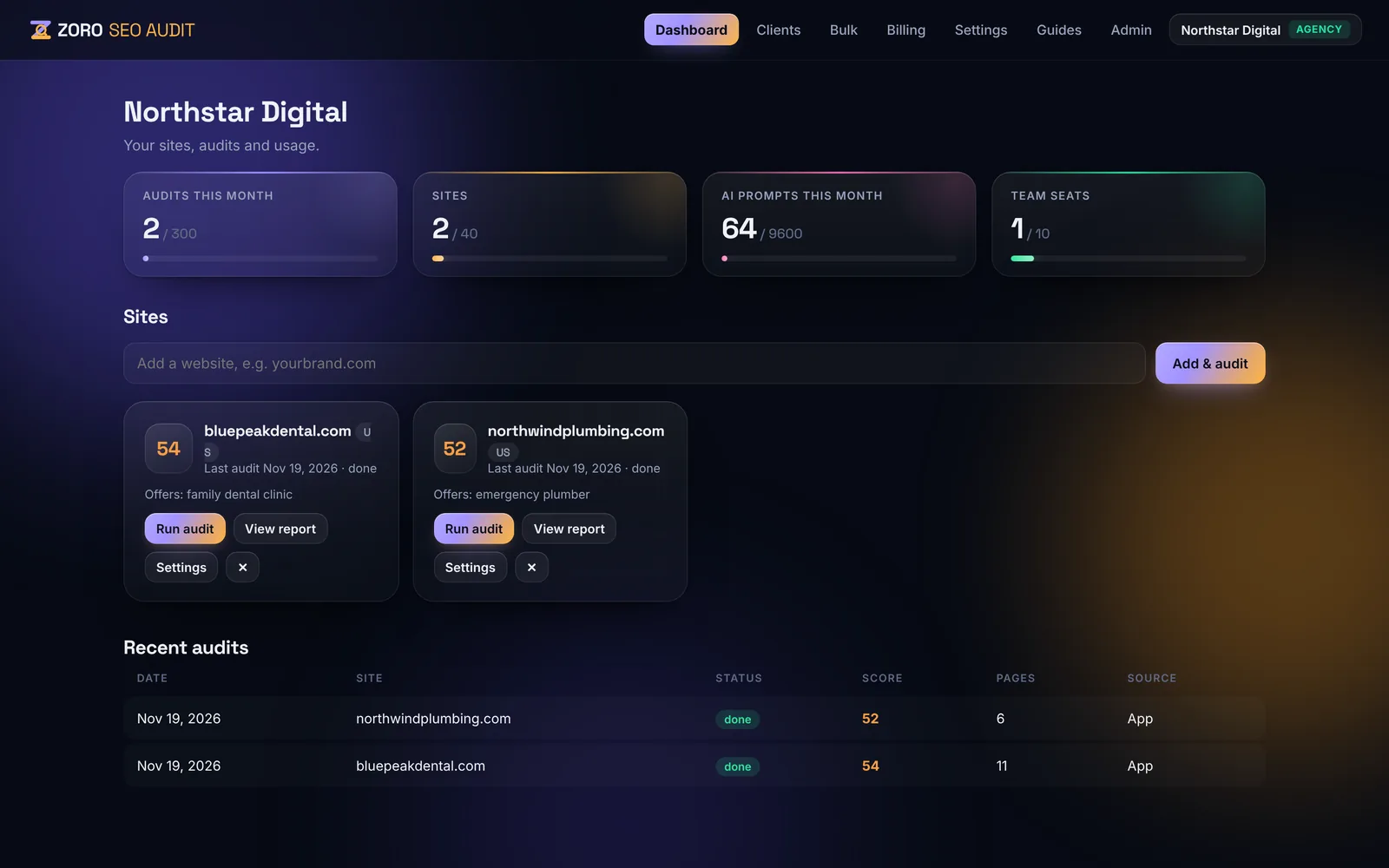
Daily, weekly or monthly
Set a schedule per site. Every report compares against the previous audit — new issues, fixed issues and score changes per category.
- Change comparison — new and fixed issues
- Score-drop alerts — you set the threshold
- PDF by email — after each scheduled audit
Alerts where you work
Email to your team and clients, Slack channels (Pro and Agency), and signed webhooks for Zapier, Make or your own systems (Agency).
Why continuous SEO monitoring matters
Websites break quietly. A plugin update removes canonical tags, a deploy adds a noindex, a CDN rule blocks AI crawlers, a certificate expires. Rankings usually fall days later — monitoring catches the cause first.
Scheduled audits and change tracking
Choose a daily, weekly or monthly schedule per site. Every scheduled audit is compared with the previous one, so you see new issues, fixed issues and score changes for each category — the fastest way to spot a regression after a release.
Alerts that reach the right people
Set a score-drop threshold per site. When it is crossed, or a new critical issue appears, ZORO sends an email with what changed and, on Pro and Agency, a Slack message. Scheduled reports can also email the PDF to you or your client automatically.
Automation with webhooks
On the Agency plan, signed webhooks fire when an audit completes, fails or a score drops — ready for Zapier, Make, n8n or your own systems, for example to open a ticket or update a client dashboard.
What monitoring catches
Most SEO losses come from small technical changes nobody noticed. Every scheduled audit re-runs all checks, so these regressions show up as new issues the day they happen:
- Indexing blockers — a noindex tag, a robots.txt Disallow or an X-Robots-Tag header added by a release or plugin.
- Broken structure — missing or wrong canonical tags, redirect chains, new 404s and broken internal links.
- Lost on-page basics — titles, meta descriptions, H1s or structured data removed by a theme or CMS update.
- AI crawler access — a CDN, firewall or robots.txt rule that suddenly blocks GPTBot, ClaudeBot or PerplexityBot.
- Speed and stability — slower Core Web Vitals after new scripts, images or tracking tags are added.
- Security and trust — an expiring SSL certificate, missing security headers or mixed content.
Verify fixes instantly with Re-check
When you or your developer fix an issue, open it in the report and click Re-check now. ZORO re-tests only that issue — usually in seconds — updates the score and records that it was fixed. Re-checks are free and do not use an audit from your monthly allowance, so you can confirm every fix the moment it ships instead of waiting for the next scheduled audit.
Set up monitoring in three steps
- Add your site and run a first audit to set the baseline score for each category.
- Pick a schedule — weekly for most sites, daily for large or frequently updated sites — and set the score-drop threshold that should trigger an alert.
- Choose where alerts go: email for you or your client, Slack for your team, or webhooks for your own tools and ticketing system.
Monitoring for agencies
Agencies monitor every client site from one cockpit that lists each site’s latest score, the change since the last audit and its most important open issues, with the weakest sites first. Scheduled white-label PDF reports go straight to clients, and the read-only client portal lets them check progress themselves without using a team seat.
Frequently asked questions
Which plans include monitoring?
Starter includes weekly and monthly schedules. Pro and Agency add daily schedules and Slack alerts; Agency adds webhooks.
How do I monitor my website’s SEO automatically?
Schedule recurring audits and set alerts for score drops and critical issues. ZORO compares each audit with the last and emails or posts to Slack when something breaks.
How often should a website be audited?
Weekly is a good default for active sites, daily for large or frequently deployed sites, and at least monthly for small sites.
Can I send audit reports to clients automatically?
Yes. Scheduled audits can email the PDF report to the addresses you choose, with your white-label branding on the Agency plan.
Can ZORO alert me in Slack?
Yes, on Pro and Agency. Connect a Slack incoming webhook in Settings and choose which sites post alerts and scheduled reports.
Do scheduled audits count towards my monthly audits?
Yes — each scheduled audit uses one audit from your plan. Re-checking a single issue is free and unlimited.
How quickly will I know if my rankings are at risk?
As soon as the next scheduled audit runs. With a daily schedule, a release that adds a noindex tag or blocks crawlers is reported within 24 hours — usually before rankings change.
Can I monitor competitors?
You can add competitor domains to a site’s settings to compare AI-visibility share of voice and see which sources AI assistants cite for them.
See what’s holding your site back
Run a free audit in minutes: every SEO, AI-visibility, accessibility and security issue, ranked by impact, with the fix for your platform.